
DEVELOPER TOOL · Aug 2026
LYNX
A local orchestration layer that connects MCP clients, developer workspaces, and the coding CLIs already authenticated on your machine into visible role-based agent workflows.
Overview
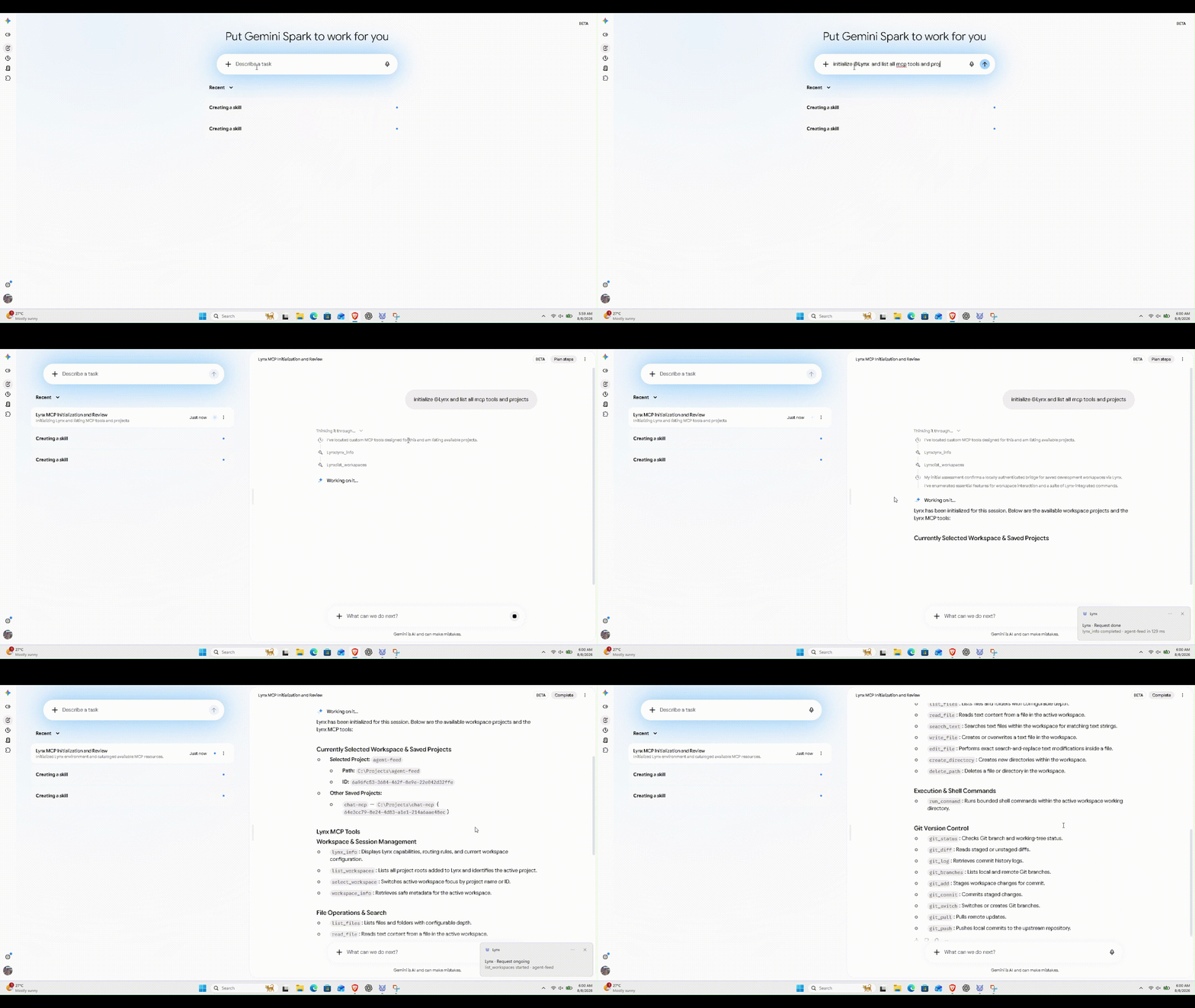
Lynx is built around one idea: agent work should be orchestrated without becoming invisible. It connects external MCP clients to approved local workspaces and can coordinate coding CLIs already installed and authenticated on the developer’s machine. Lynx supplies the roles, routing, terminals, permissions, activity, and task visibility while the underlying AI account stays owned by each CLI.
Agent Orchestration
A task moves through visible specialist roles
Interprets the objective and constraints.
Assigned CLIBreaks the work into executable steps.
Assigned CLIPerforms the code changes.
Assigned CLIRuns checks and catches regressions.
Assigned CLIEvaluates the result and can trigger a revision.
Assigned CLIEach node can be assigned a supported local coding CLI. During a task, the graph is designed to make routing and active work visible instead of hiding the orchestration behind status text.
Local Gateway
Connected clients reach only the workspace Lynx exposes
Connects through MCP.
Applies connection and workspace rules.
Exposes approved developer actions.
The local repository stays the source of truth.
Bring Your Own CLI
Use the coding agents already on your machine
The provider account stays inside the CLI. Lynx detects readiness, assigns a role, runs the task through an available transport, and turns the output into a consistent task experience.
Visible while it works
- See which role is active and which CLI owns it.
- See task routing instead of a single opaque “working” state.
- Surface terminal activity, prompts, changed files, approvals, warnings, and final results in one workflow.
- Open changed files directly from task activity when reviewing what the agent did.